You click a link, wait a second, and get a plain white page that says 502 Bad Gateway. No explanation. No cute illustration. Just a server name at the bottom and the quiet feeling that you broke something.
Short answer: a 502 Bad Gateway error means a server in the middle (a gateway or proxy) tried to fetch the page from another server behind it, and got back garbage or nothing at all. The website is having trouble talking to itself. It's almost never your fault, and most of the time the fix is on the site's end.
So who is this "gateway," why is it upset, and is there anything you can do besides staring at the page? Let's break it down.
What Does 502 Bad Gateway Mean?
Most websites aren't one computer. When you visit a big site, your browser usually talks to a front door server first. That front door might be a reverse proxy like nginx, a load balancer, or a CDN like Cloudflare. Its job is to take your request and pass it along to the real app server sitting behind it, which people call the upstream server.
Think of it like a restaurant. You talk to the waiter. The waiter talks to the kitchen. You never see the kitchen.
A 502 is the waiter coming back and saying, "I went to the kitchen and something went wrong. Either nobody answered, or what they handed me isn't food."
The official definition lives in RFC 9110, the 2022 spec that defines how HTTP status codes work. It says a 502 means the server, while acting as a gateway or proxy, received an invalid response from the server behind it. MDN's 502 page puts it the same way, and adds the part visitors care about: it usually isn't something you can fix from your side.
That's why 502 lives in the 5xx family. Codes starting with 5 mean "the server messed up." Codes starting with 4, like our old friend the 403 Forbidden error, mean "the server thinks you messed up."
Watch a Real 502 Happen
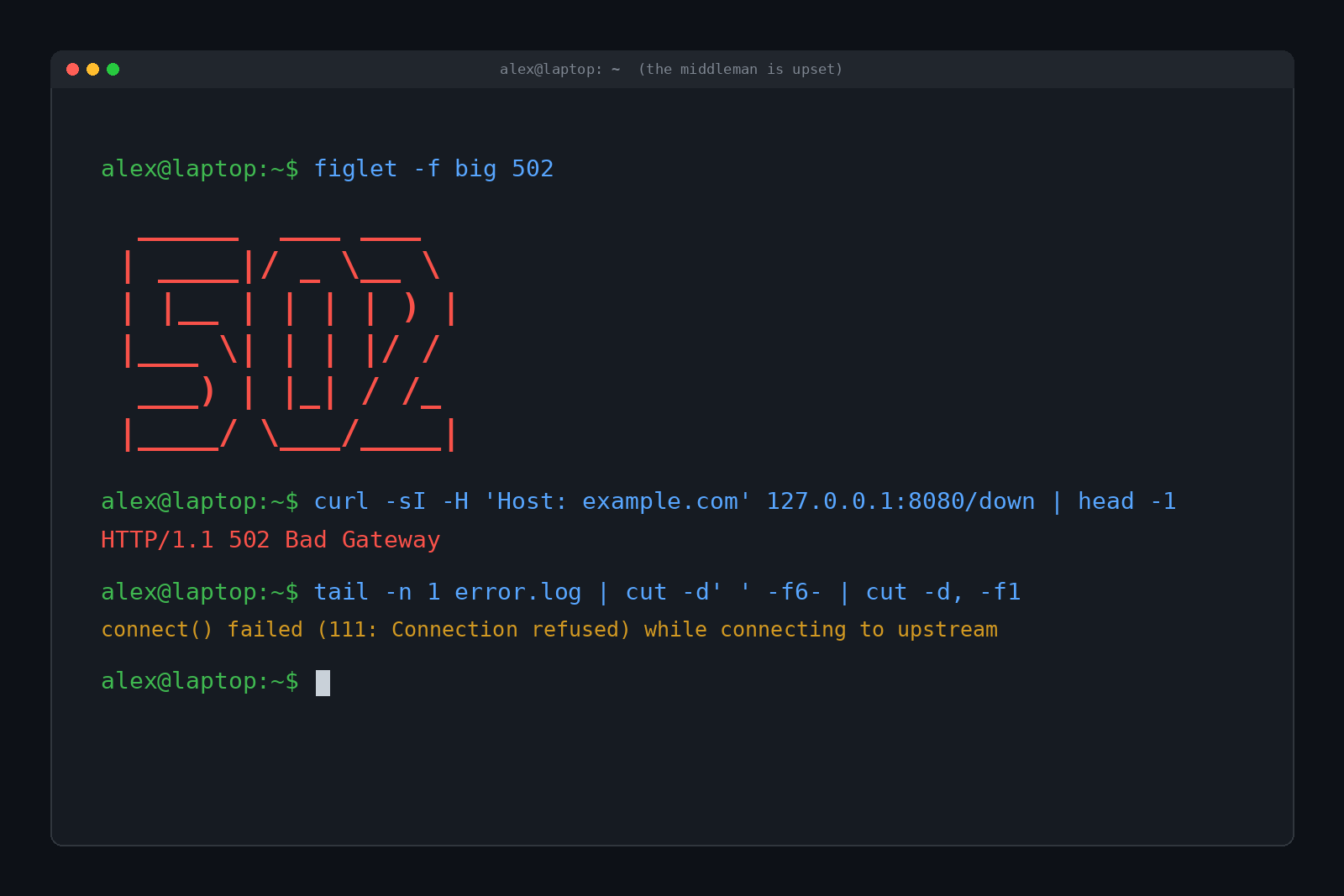
Talking about it is fine, but breaking it on purpose is more fun. We set up nginx (one of the most common web servers on the planet) as a reverse proxy on a test machine, then pointed it at an app server that wasn't running. Here's what came back:
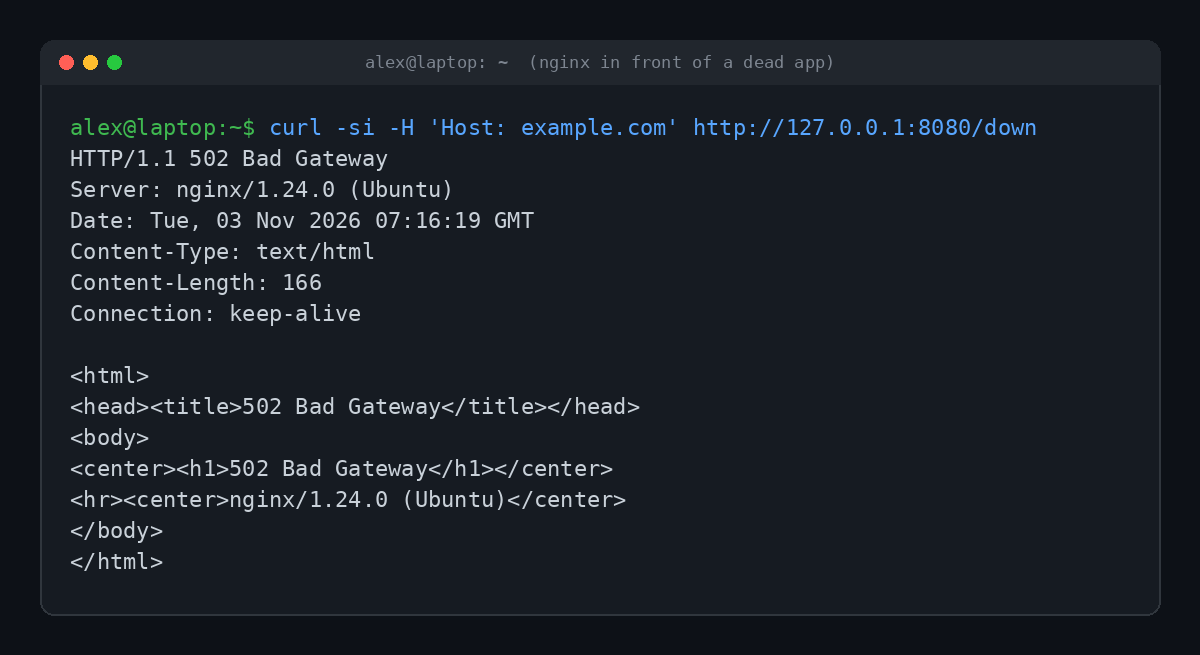
That little HTML page with "nginx" at the bottom is the exact page you've probably seen in your browser. Notice what that tells you: nginx itself answered just fine. It's the thing behind nginx that didn't.
This is also why the error page often names a server you've never heard of. "nginx," "cloudflare," "openresty" or "Microsoft-IIS" at the bottom is just the waiter signing the apology note.
What Causes a 502 Bad Gateway Error?
The gateway is usually healthy. Something behind it isn't. The most common culprits:
- The app server is down. It crashed, it's restarting after an update, or someone forgot to start it. The proxy knocks and nobody's home.
- The app server crashed mid-request. It picked up the connection, then died before sending a proper answer.
- The app is overloaded. A traffic spike (a viral post, a sale, a botnet) can swamp it until it stops answering cleanly.
- A firewall is in the way. Security rules sometimes block the proxy from reaching the server it's supposed to talk to.
- DNS or config mistakes. The proxy is pointed at the wrong address or port, often right after a server migration.
- A CDN can't reach the origin. Services like Cloudflare sit in front of millions of sites. If the site's own server (the origin) is unreachable, Cloudflare shows the 502.
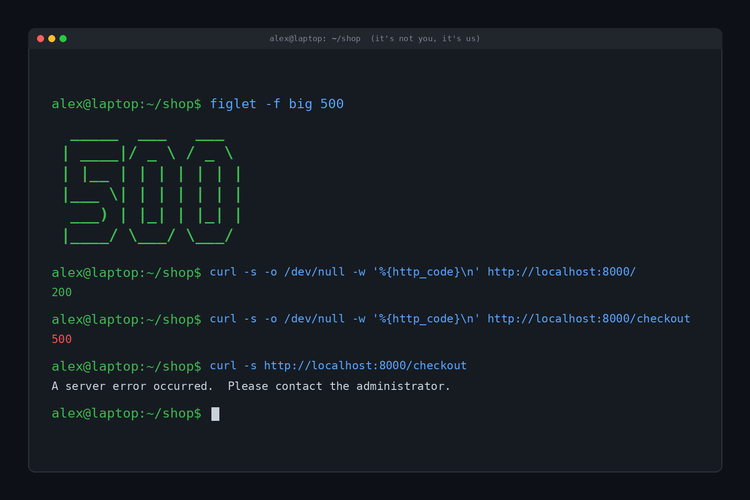
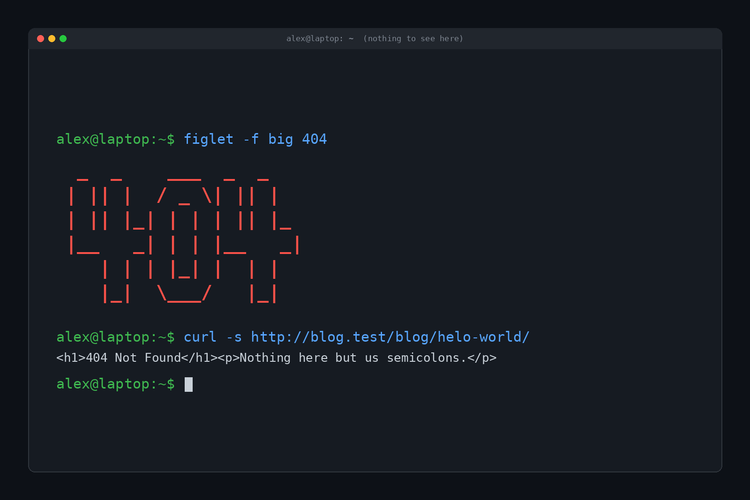
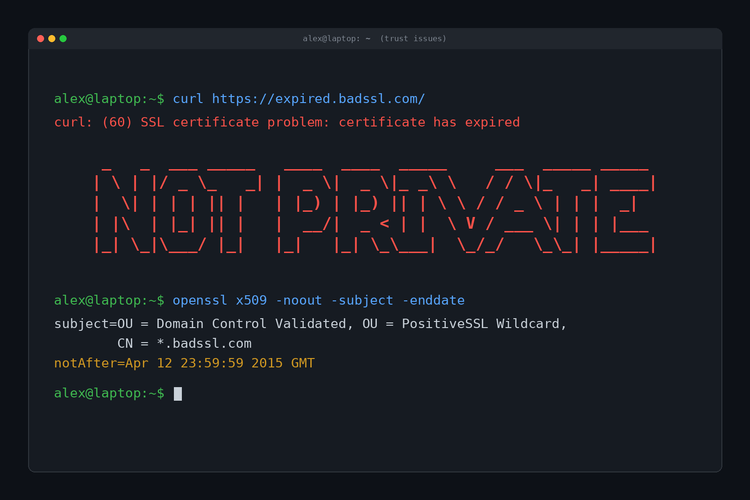
Here's that same nginx setup failing three different ways, plus one request that worked, so you can compare:
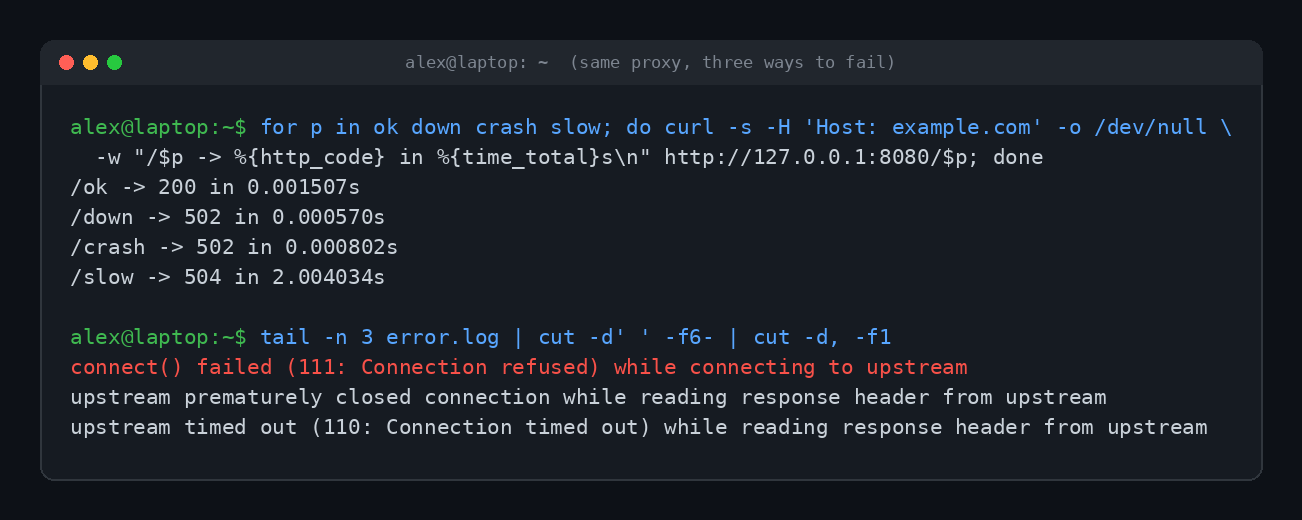
The error log is where it gets useful. "Connection refused" means nothing was listening at all. "Upstream prematurely closed connection" means the app hung up without answering. Visitors see the same 502 for both, but the person running the site sees exactly what went wrong.
502 vs 503 vs 504: What's the Difference?
These three get mixed up constantly, and the browser doesn't help by making them all look the same. Here's the cheat sheet:
| Code | Name | What it means | Restaurant version |
|---|---|---|---|
| 500 | Internal Server Error | The server hit a problem it can't describe | Something's on fire in the kitchen |
| 502 | Bad Gateway | The proxy got a broken answer, or no answer, from the server behind it | The waiter came back with nonsense |
| 503 | Service Unavailable | The server is overloaded or down for maintenance on purpose | "Sorry, we're closed for an hour" |
| 504 | Gateway Timeout | The proxy waited for the server behind it and gave up | The waiter got tired of waiting for the chef |
The 502 vs 504 split is the one that trips people up. In our test, the /slow app eventually would have answered, but nginx was set to wait only two seconds, so it bailed with a 504. Same proxy, same app, different failure. A 502 is "bad answer." A 504 is "no answer in time."
How to Fix a 502 Bad Gateway Error as a Visitor
Since the problem is usually on the site's end, your options are limited. But a few things actually help, in roughly this order:
- Wait a minute and reload. Many 502s are short blips while a server restarts or a CDN reroutes traffic. Cloudflare's own 502 and 504 troubleshooting page mentions brief 502s can happen when it shifts traffic between data centers.
- Check whether it's down for everyone. A site like downforeveryoneorjustme.com, or a quick look at social media, will tell you if you're alone.
- Try another browser or a private window. This rules out a weird extension or a stale cached copy of the error. Clearing the site's cache and cookies does the same thing. (We explained what that actually does in What Does 'Clear Your Cache' Actually Mean?)
- Switch networks. Turn off your VPN, or try your phone on cellular data. Occasionally a VPN exit node or office proxy is the broken gateway.
- Restart your router. It's rarely the cause, but it's cheap to try if every site is acting strange.
If none of that works, it really is them, not you. The site's team is probably already getting paged about it.
How Site Owners Fix a 502
If it's your site throwing the 502, the gateway is pointing at the problem. Your job is to follow the arrow.
- Read the proxy's error log first. On nginx, lines like the ones in our screenshot tell you whether the app refused the connection, crashed or timed out.
- Check that the app is actually running. Restart the service, the container or the PHP-FPM pool, then reload the page.
- Confirm the address and port. If the proxy says
connect() failed, it's often pointing at a port nothing is listening on. Our post on 127.0.0.1 and localhost covers how that local plumbing works. - Look at resources. Out of memory, a full disk or a maxed out CPU can make an app die quietly.
- Behind Cloudflare? Cloudflare's docs say a Cloudflare-branded 502 page usually means the origin server returned the error, while a blank unbranded page points at Cloudflare itself. That tells you who to call.
The Many Names of 502
Same error, different outfits. You might see any of these:
- 502 Bad Gateway
- HTTP Error 502
- 502 Proxy Error
- Bad Gateway: The proxy server received an invalid response from an upstream server
- Error code 502 (on a Cloudflare page)
- A blank white page with only "502" on it
They all mean the waiter came back empty-handed. Some sites dress it up with a custom page and a joke. Most just leave the raw nginx version, which is why that plain white page has become such a familiar sight.
If you want an error code you can actually wear, the shop has the 403's whole wardrobe.
FAQ
Is a 502 Bad Gateway error my fault?
Almost never. It means servers on the website's side couldn't talk to each other properly. A broken VPN or proxy on your end is the rare exception.
How long does a 502 error last?
Often only seconds or minutes while a server restarts. A real outage can last hours, and there's nothing you can speed up from your side.
Can a 502 error mean I've been blocked?
Not usually. Being blocked tends to show up as a 403 or a 429 (too many requests). A 502 is about the site's own servers failing.
Does a 502 error hurt a site's SEO?
A short blip won't. Google retries pages that return 5xx errors, but if a site keeps returning them for days, those pages can drop out of search results.
What's the difference between 502 and 504?
A 502 means the gateway got a bad answer or none at all. A 504 means it waited and the answer never arrived in time.
TL;DR
A 502 Bad Gateway means a middleman server, like nginx or Cloudflare, couldn't get a valid response from the server behind it. It's a site-side problem. Reload after a minute, check if it's down for everyone, and if you run the site, go read your proxy's error log.