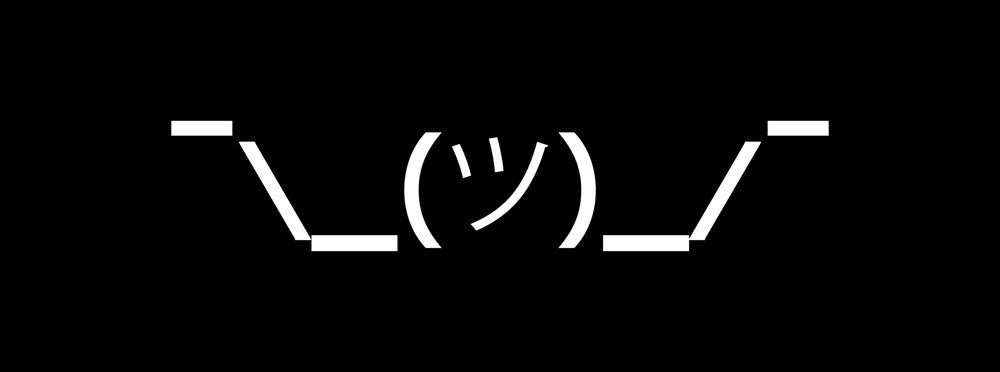
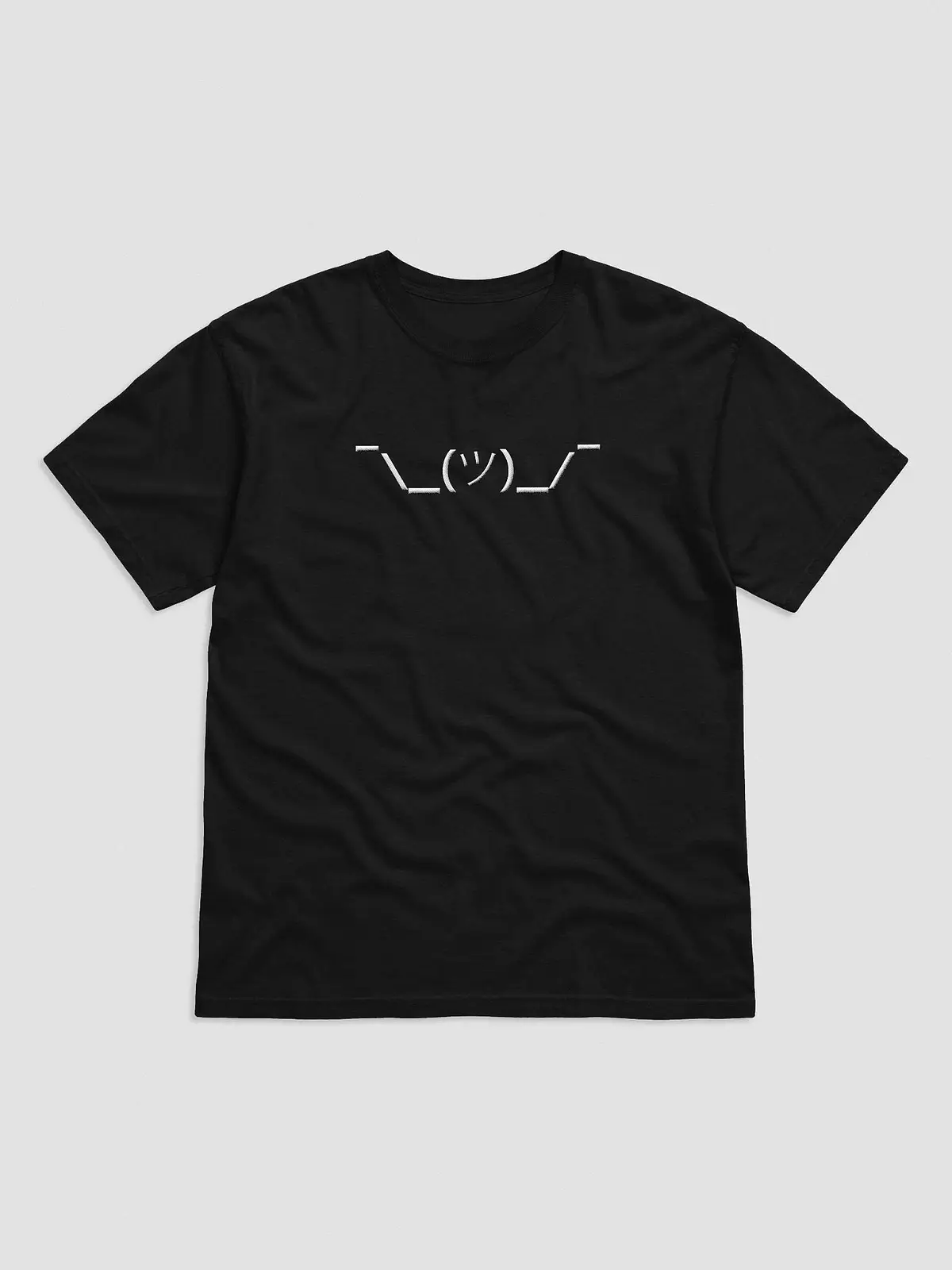
Ever been at a loss for words and typed out ¯\_(ツ)_/¯ instead? You're probably here to grab a copy, so here it is. Copy and paste away:
¯\_(ツ)_/¯
That little string of characters has become the internet's universal way of saying "I don't know," "who knows," or "not my problem." Here's where it came from, how to type it without hunting for it every time, and why it sometimes shows up missing an arm.
 Server403
Where the Shruggie Came From
The shrug, often nicknamed the "shruggie," is a kaomoji: a Japanese-style emoticon built out of text characters. Western emoticons like :-) are read sideways. Kaomoji are read upright, which leaves room for a lot more expression, including arms, shoulders and whole body language.
Nobody can point to the exact first person who typed it, but its roots are in Japanese internet culture. The face in the middle, ツ, is the katakana character "tsu," which happens to look like a little smiling face. Add raised arms and slumped shoulders around it and you get a near-perfect picture of someone shrugging.
From there it spread through forums and chat rooms to Western audiences, and it stuck because it covers so much ground. It can mean genuine confusion, playful indifference, or a polite way of saying "that's above my pay grade." It belongs to the same family as the table flip emoticon, its much angrier cousin.
What It's Actually Made Of
Despite the name people give it, the shruggie isn't pure ASCII. It's nine characters, and a few of them come from well outside the basic keyboard:
- ¯ The raised hands are macrons, a symbol normally used to mark long vowels.
- \ and / The forearms are a backslash and a forward slash.
- _ The upper arms are underscores.
- ( ) Parentheses frame the face.
- ツ The face is the Japanese katakana "tsu."
That mix is why it's hard to type from memory, and why copy and paste is how most people use it.
How to Type the Shrug Without Copying It Every Time
- Windows 10 and 11: press the Windows key + period to open the emoji panel, then open the kaomoji tab. The shrug is in the classic emoticons section, ready to click.
- Mac: go to System Settings, then Keyboard, then Text Replacements, and add a shortcut so typing something like
/shrugturns into ¯\_(ツ)_/¯. - iPhone and Android: both let you add the same kind of text replacement in your keyboard settings.
- Slack and Discord: type
/shrugand the app adds it for you.
Why the Shrug Sometimes Loses an Arm
If you've ever posted the shrug and it showed up as ¯_(ツ)_/¯, with one arm gone, there's a reason. Apps that use Markdown formatting, like Reddit and Discord, treat the backslash as a special character and quietly delete it.
The fix is to escape it. In those apps, type it like this: ¯\\\_(ツ)\_/¯. The extra backslashes tell the app to show the characters instead of treating them as formatting.
 Server403
The Shruggie Today
These days the shrug is basically internet shorthand for "meh." It works across languages and cultures, it fits in a single line, and it says more than "I don't know" ever could. Next time you're unsure of something, or just want to throw your hands up, you know where to find it: ¯\_(ツ)_/¯