To your computer, the letter A is the number 65. A lowercase a is 97. A space is 32. That's not a coincidence or a quirk of one program. It's ASCII, and it's been quietly translating text into numbers since the 1960s.
ASCII stands for American Standard Code for Information Interchange. In short, it's a lookup table that gives every basic character on an English keyboard a number, so different computers can agree on what a piece of text says.
The Problem ASCII Solved
Computers only store numbers. To store text, they need a rule for which number means which letter. In the early days, different manufacturers used different rules, so text written on one machine could come out as garbage on another.
ASCII fixed that by giving everyone the same table. It was first published in 1963 and revised a few years later, and once teleprinters, terminals and computers all spoke it, text could finally move between machines from different companies without getting scrambled.
 Server403

How ASCII Works
ASCII uses 7 bits per character, which gives it room for exactly 128 codes, numbered 0 to 127. They split into two groups.
95 printable characters
These are the ones you can see: uppercase and lowercase letters, the digits 0 to 9, punctuation, and symbols like @, # and &. A few examples:
- Space is 32
- 0 is 48, and the other digits follow in order
- A is 65, and Z is 90
- a is 97, and z is 122
Here's a neat detail: every lowercase letter is exactly 32 higher than its uppercase version. In binary, that's a single bit. Flip that one bit and A becomes a. That made switching case incredibly cheap for early computers.
33 control characters
The rest aren't meant to be seen. They're instructions left over from the days of teleprinters, and some of them still matter today:
- 10 (Line Feed) and 13 (Carriage Return) mark the end of a line. Windows uses both together, while Linux and macOS use just Line Feed, which is why a text file from one system can look like one giant line on the other.
- 9 (Tab) is the tab key.
- 7 (Bell) literally rang a bell on old teleprinters. Some terminals will still beep if you send it.
- 127 (Delete) is all ones in binary. On paper tape, punching every hole was the way to "erase" a character, and the code kept that meaning.
Where ASCII Shows Up Today
Most modern software uses Unicode, which covers nearly every language on Earth. But Unicode was designed so that its first 128 characters are exactly the same as ASCII. So ASCII never went away. It became the foundation everything else is built on.
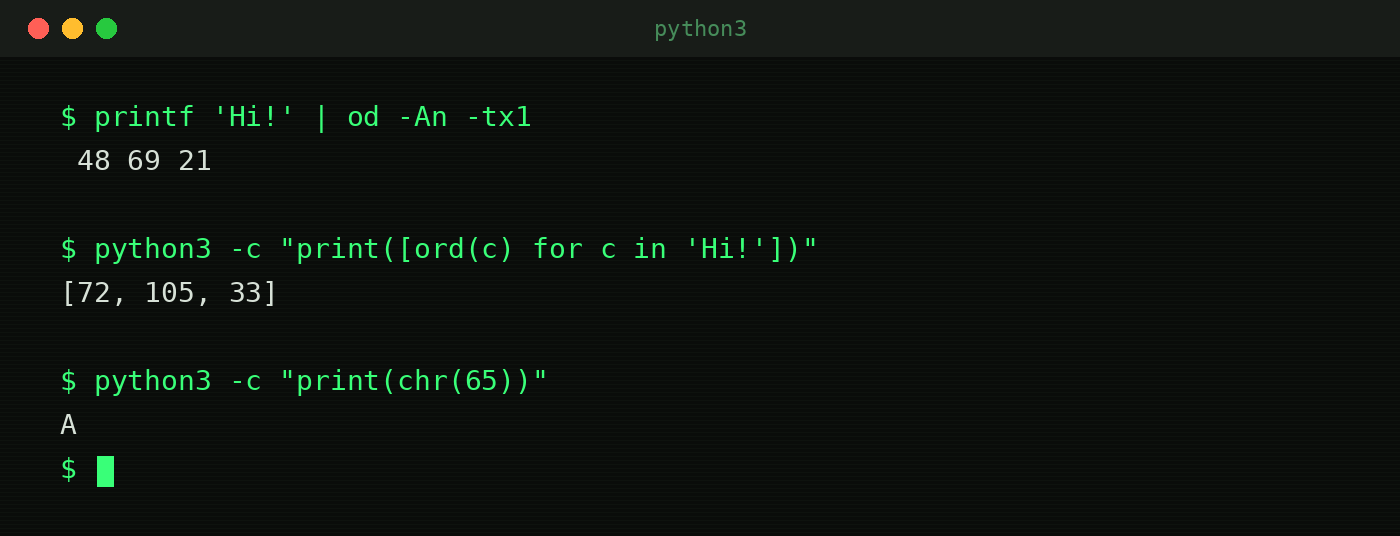
- Programming: languages like Python and Java store text as Unicode, not ASCII. But because the first 128 characters match, asking Python for the code of "A" still gives you 65.
- The web and email: the behind-the-scenes parts of web requests and email headers are still plain ASCII text, which is part of why domain names and email addresses were so limited for so long.
- Plain text files: config files, scripts and logs written in English are often pure ASCII, which makes them easy to read and edit on any system.
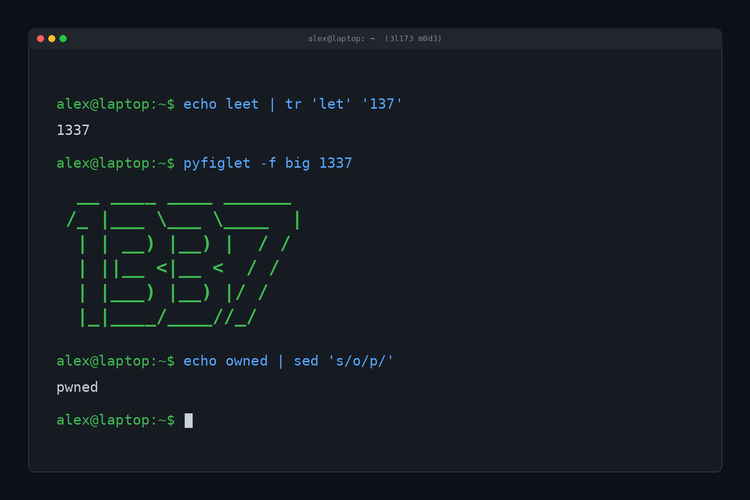
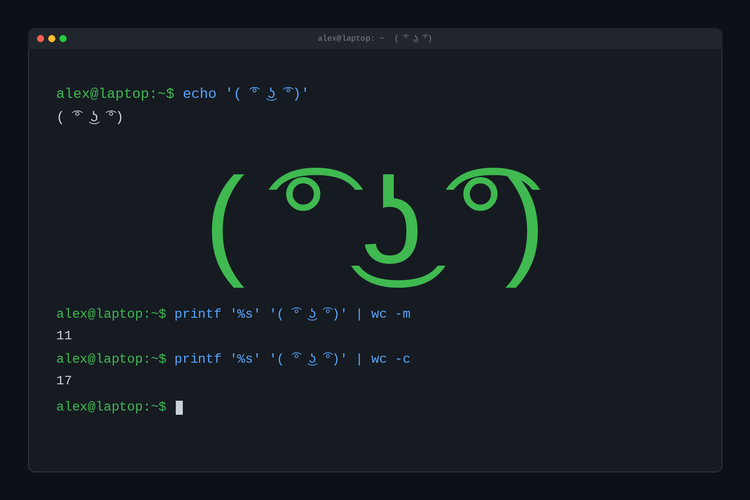
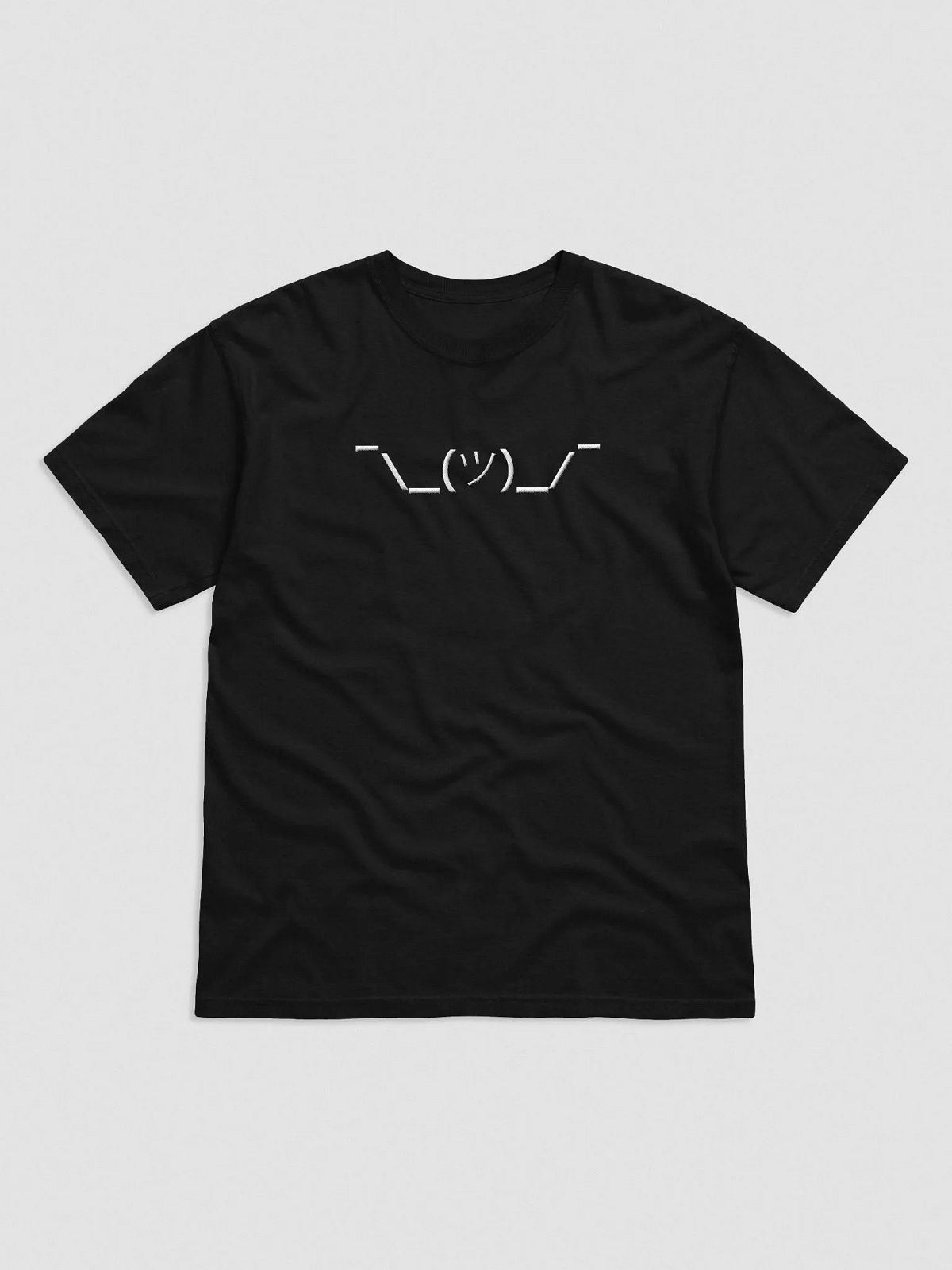
- ASCII art: the characters themselves became an art form, from the shrug to the table flip to whole pictures drawn out of text.
 Server403
ASCII's Big Limitation
128 characters is plenty for English and not much else. There's no é, no ñ, no ü, no Chinese, Arabic or Hindi, and definitely no emoji. For decades, different countries patched around this with their own extended versions, which brought back the same garbled-text problem ASCII was meant to solve.
That's the mess Unicode eventually cleaned up. If you want the full story of how the two fit together, read ASCII vs Unicode: What's the Difference?
TL;DR
ASCII is a 1960s standard that gives 128 characters a number from 0 to 127, so every computer agrees that A is 65 and a line break is 10. It covers English letters, digits, punctuation and a set of invisible control codes. Modern systems use Unicode instead, but Unicode starts with the exact same 128 characters, so ASCII is still sitting underneath almost all the text you read.